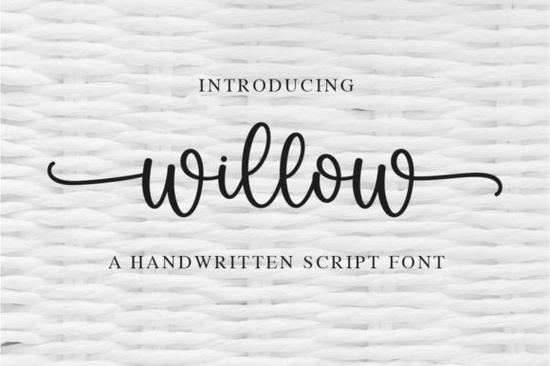
If you’ve been searching for a handwritten font that feels personal, graceful, and just a little bit romantic, Willow Font might be exactly what your next project needs. It’s the kind of typeface that doesn’t shout for attention it whispers elegance. Whether you’re designing wedding invitations, branding a small boutique, or creating printable art for Etsy, Willow moves with a natural rhythm that makes text feel alive. And because it’s PUA encoded, all those lovely swashes and alternate glyphs? You can actually use them without jumping through hoops in your design software.
What kinds of projects work best with Willow Font?
This font shines wherever softness and personality matter. Think:
- Wedding stationery save-the-dates, menus, place cards
- Branding for handmade businesses soap labels, boutique logos, packaging
- Print-on-demand products mugs, tote bags, journals with inspirational quotes
- Digital planners or printable wall art with a feminine touch
It pairs especially well with minimalist layouts. Let the letters breathe, and they’ll carry the emotion of your message without needing heavy decoration. If you like fonts with character but not chaos, you might also enjoy browsing Softie Note or Sweet Cupcake both have that same friendly, handcrafted vibe but with slightly different personalities.
How do I access all the swashes and alternates?
Because Willow is PUA (Private Use Area) encoded, you don’t need to dig into glyph panels or install extra files. Most modern design tools think Canva, Adobe Illustrator, Affinity Designer, or even Silhouette Studio will let you switch between stylistic sets or enable OpenType features with a click. Look for options like “Stylistic Alternates” or “Contextual Swashes” in your font menu. If your software doesn’t support those, you can still manually insert special characters using a character map tool.
Pro tip: Try typing your phrase first in basic form, then go back and swap out key letters (like the first or last letter of a word) with their swash versions. A little goes a long way too many flourishes can make things feel cluttered.
Is this font good for beginners?
Absolutely. The letterforms are clean and consistent, so spacing feels intuitive even if you’re new to typography. Unlike some script fonts that require manual kerning or look awkward at smaller sizes, Willow holds up well in body text and headlines alike. Just avoid using it for tiny legal disclaimers or fine print its charm comes from being seen, not squinted at.
If you’re just starting out with script fonts, you might also want to check out Kids Crayon for something more playful, or Bridgerton if you’re going for vintage drama. Each has its own mood, but all are beginner-friendly in terms of installation and usage.
Can I use Willow Font commercially?
Yes Creative Fabrica’s standard commercial license covers most small business uses. That means you can use it on products you sell, client work, social media graphics, and even YouTube thumbnails. Just make sure you’re not redistributing the font file itself or embedding it in apps or games without checking the extended license terms. When in doubt, their help center breaks down licensing in plain language.
You can find the official listing here: Willow Font.
What fonts pair well with Willow?
Since Willow is so fluid and delicate, pairing it with a simple sans-serif creates beautiful contrast. Try:
- Montserrat or Lato for clean, modern balance
- Playfair Display if you want classic serif elegance
- A minimal geometric font like Poppins for contemporary projects
For layered designs like quote graphics or logo stacks keep your secondary font lightweight. Let Willow be the star, and everything else should quietly support it.
Before you download, here’s a quick checklist:
- Test readability Type out your most common phrases at the size you’ll actually use them.
- Check your software Make sure it supports OpenType features if you plan to use swashes.
- Preview pairings Try it with one of your go-to fonts before committing to a full design.
- Save a backup Always keep your original .otf or .ttf file in a safe folder after downloading.
Fonts like Willow aren’t just tools they’re tone-setters. Choose one that matches the feeling you want to create, not just the style you think looks pretty. Sometimes, the right font is the quiet one that makes your message feel like it was written just for the person reading it.
Try It Free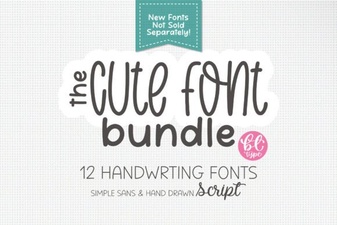 Cute Handwriting Font Bundle for Creative Projects
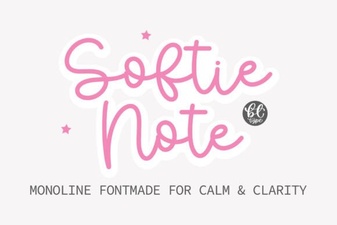 Softie Note Font: a Creative Handwriting Typeface
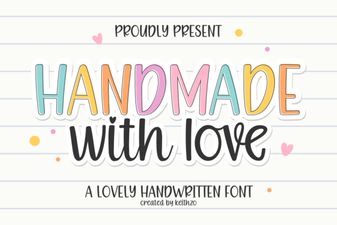 Download Handmade with Love: a Creative Cursive Font
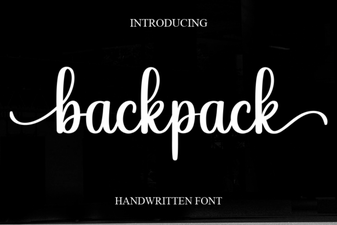 Backpack Font: Creating Creative Typography
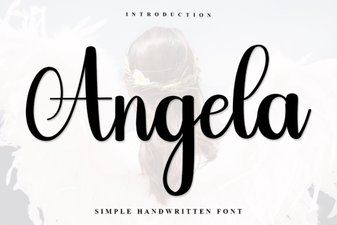 Angela Font: Clean Design for Modern Projects
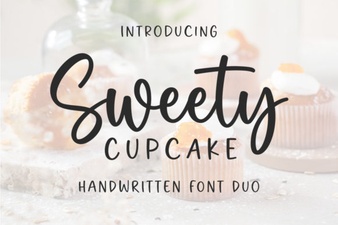 Sweet Cupcake Font: Creative Baking-Themed Typography